
How to integrate Laravel with Ascoos OS using the package AOS Laravel Autoload: Integrate of Laravel framework into Ascoos OS
| Recommend this page to a friend! |
 Download Download |
| Info |  Files Files |
 Install with Composer Install with Composer |
Download |
Reputation | Support forum | Blog | Links |
| Last Updated | Ratings | Unique User Downloads | Download Rankings | |||||
2026-05-22 (1 month ago)  | Not yet rated by the users | Total: Not yet counted | Not yet ranked | |||||
| Version | License | PHP version | Categories | |||
| aos-sec00100-laravel 1.0 | Custom (specified... | 8.4 | Libraries, PHP 8 |
| Description | Author | |||||||||||||||||||
This package can integrate of Laravel framework into Ascoos OS. |
| |||||||||||||||||||


Instructions
Please read this document to learn how to integrate the Laravel framework in Ascoos OS applications.
Details
Advanced Integration Guide: Laravel in Ascoos OS
Integrating a modern PHP framework into an operating system that provides its own kernel, macro engine, and event pipeline requires an approach that goes beyond simple file loading. In Ascoos OS, which is built on the Web5 Kernel and supports mechanisms such as deferred execution, event?driven monitoring, and global binding, the integration of Laravel becomes particularly meaningful.
This guide presents a complete implementation of loading and initializing Laravel through the laravel_autoload.php file. This file serves as a simple loading proposal that can be implemented inside the executable file libs/laravel/autoload.php. Laravel developers may freely adapt the loading and diagnostic logic, as long as they follow the architectural standards of Ascoos OS.
The implementation extends beyond autoloading; it includes diagnostic checks, unified logging, and event emission that allow the system to determine when the framework is fully operational.
Purpose of the Integration
Integrating Laravel into Ascoos OS serves two primary goals: first, it enables Laravel to function as the application layer, and second, it embeds it into the Web5 Kernel ecosystem so it can leverage its capabilities.
The process includes:
-
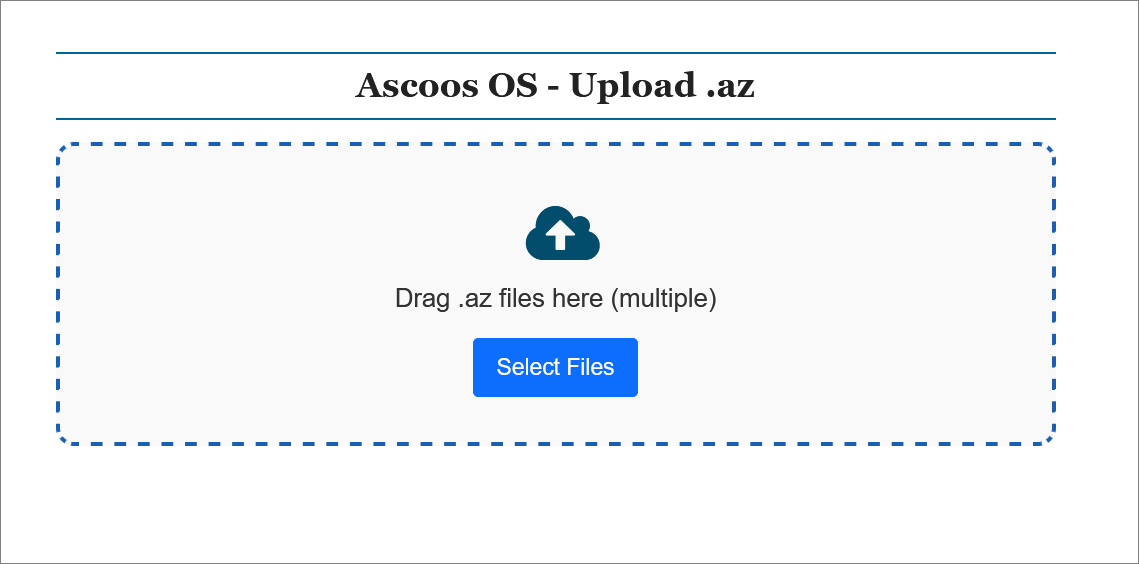
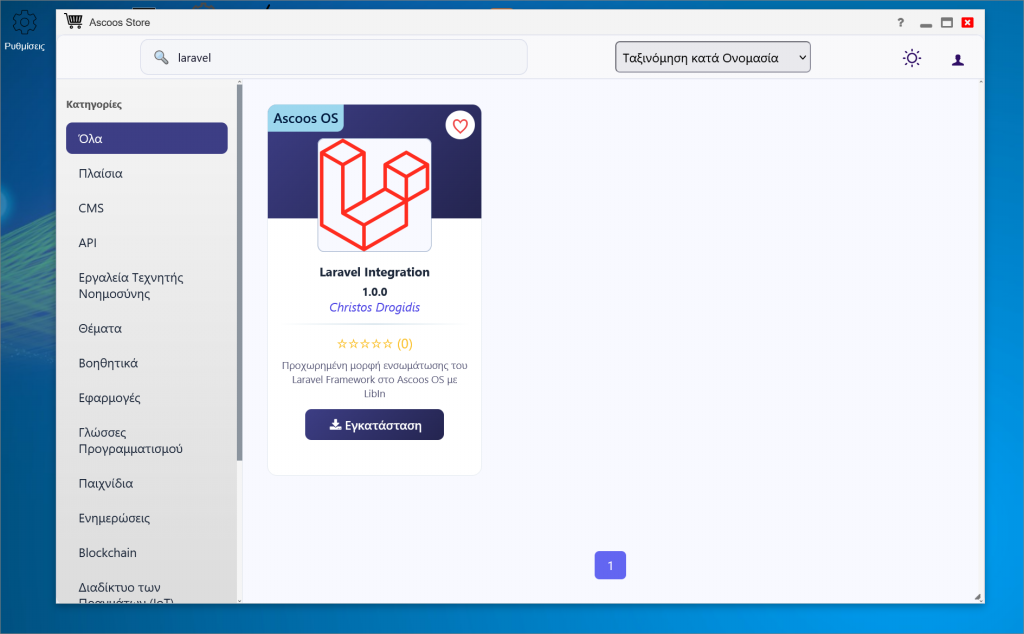
Installing the Laravel framework through the LibIn system or the built?in Ascoos Store.
1. LibIn Upload
2. Ascoos Store
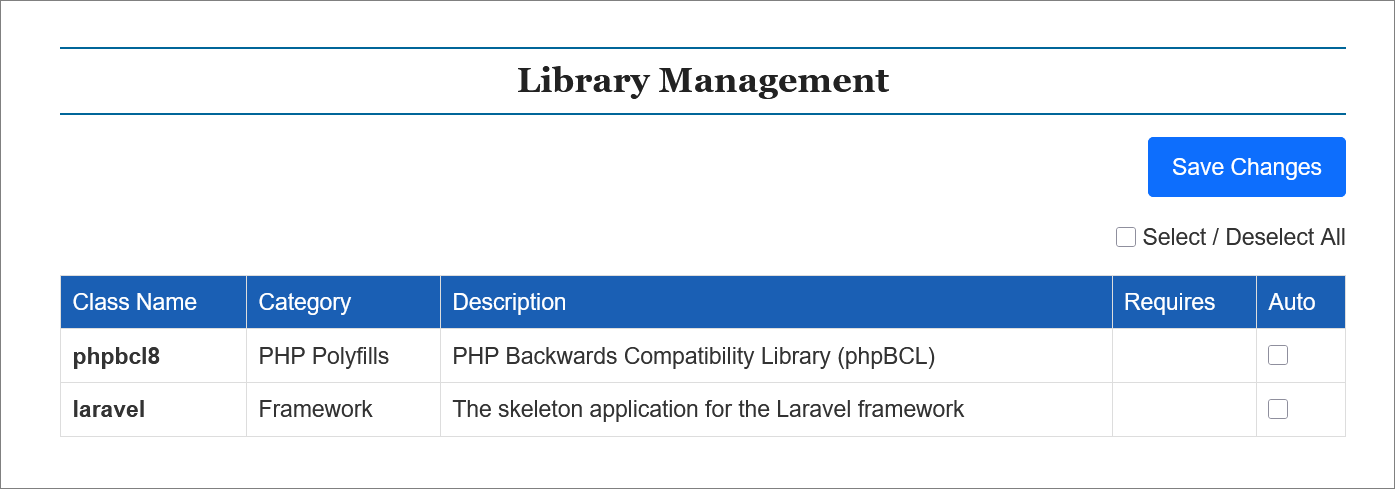
- Loading the Laravel framework via the LibIn system.
- Initializing the framework using TMacroHandler and TEventHandler,
- Executing diagnostic checks for core services,
- Testing database connectivity,
- Emitting a completion event (`laravel_init`),
- Optionally binding the application to the global scope for mixed usage.
Through this approach, Laravel does not operate as an isolated framework but as an integrated component of the operating system.
Environment Requirements
The implementation is based on PHP 8.4.0+ with strict_types=1 enabled.
Laravel is installed in the /libs/laravel/ directory of Ascoos OS, either through the LibIn upload system or via the built?in Ascoos Store.
Ascoos OS does not require Composer for installation, as LibIn handles extraction and placement of the framework files.
A database such as MySQL or MariaDB is also required for Laravel to function properly.
Core Ascoos OS Classes Involved
The integration relies on key Web5 Kernel classes:
- TMacroHandler, for executing macros and deferred actions,
- TEventHandler, for event logging and emission,
- TLoggerHandler, for unified logging,
- LibIn, for loading third?party frameworks and libraries.
These classes allow Laravel to participate in the Ascoos OS event pipeline and operate in full cooperation with the rest of the system.
Execution Flow of the Integration
The process begins by defining the framework path and verifying the existence of vendor/autoload.php. If the file is missing, execution stops with an exception, as Laravel cannot operate without it.
Next, bootstrap/app.php is loaded, and the application instance is bound globally to $GLOBALS['laravel_app']. This allows modules, macros, and events within Ascoos OS to access the Laravel container directly.
TMacroHandler is then used to execute diagnostic checks. Core Laravel services such as logging, authentication, database, and router are validated. If any service is missing, the system logs the issue. If all services are available, the event handler confirms that the framework is fully operational.
Database connectivity is tested by attempting to create a PDO connection. No query is executed; the connection attempt alone is sufficient to verify that the database layer is functional.
Once all macros have been executed, the system emits the laravel_init event, which can be used by other modules to perform actions dependent on Laravel. The event includes a timestamp for event?log traceability.
The Diagnostic Macro
The macro used for service validation is simple yet effective. It checks whether the essential services are bound to the container and then tests the database connection. Logging is performed through the event handler to maintain a unified log stream within Ascoos OS.
$macroHandler->addMacro(function () use ($laravel_app, $eventHandler) {
    $services = ['log', 'auth', 'db', 'router'];
    $missing = array_filter($services, fn($s) => !$laravel_app->bound($s));

    if (empty($missing)) {
        $eventHandler->logger->log("Laravel diagnostic passed", $eventHandler::DEBUG_LEVEL_INFO);
    } else {
        $eventHandler->logger->log("Missing services: " . implode(', ', $missing), $eventHandler::DEBUG_LEVEL_WARNING);
    }

    if ($laravel_app->bound('db')) {
        $laravel_app->make('db')->connection()->getPdo();
    }
});
Expected Logs
A successful integration produces unified logs from both Laravel and Ascoos OS.
Laravel Logger
[INFO] Laravel initialized with Ascoos OS
[INFO] Laravel diagnostic passed: all core services available
Event Logger
[INFO] Laravel integration successful at 2025-10-04 19:27:00
Extensions and Future Use
This implementation can be extended with custom events such as laravel.auth.success, or with shared macros for integrating additional frameworks like Symfony or Yii. Ascoos OS fully supports such hybrid approaches, enabling multiple frameworks to coexist within the same runtime.
Resources
License
This case study is covered under the Ascoos General License (AGL).
| Files (5) |
| File | Role | Description |
|---|---|---|
  laravel_autoload.php laravel_autoload.php |
Aux. | Integration of Laravel framework into Ascoos OS |
| LICENSE-EL.md |
Lic. | License text |
| LICENSE.md |
Lic. | License text |
| README-EL.md |
Doc. | Documentation |
| README.md |
Doc. | Documentation |
| The PHP Classes site has supported package installation using the Composer tool since 2013, as you may verify by reading this instructions page. |
| Install with Composer |
| aos-sec00100-laravel-2026-05-22.zip |
| aos-sec00100-laravel-2026-05-22.tar.gz |
| Install with Composer |
| Needed packages | ||
| Class | Download | Why it is needed | Dependency |
|---|---|---|---|
| Ascoos OS |  .zip .tar.gz .zip .tar.gz |
Uses kernel classes | Required |
| Version Control | Unique User Downloads | |||||||
| 100% |
|
| Applications that use this package |
 If you know an application of this package, send a message to the author to add a link here.


